
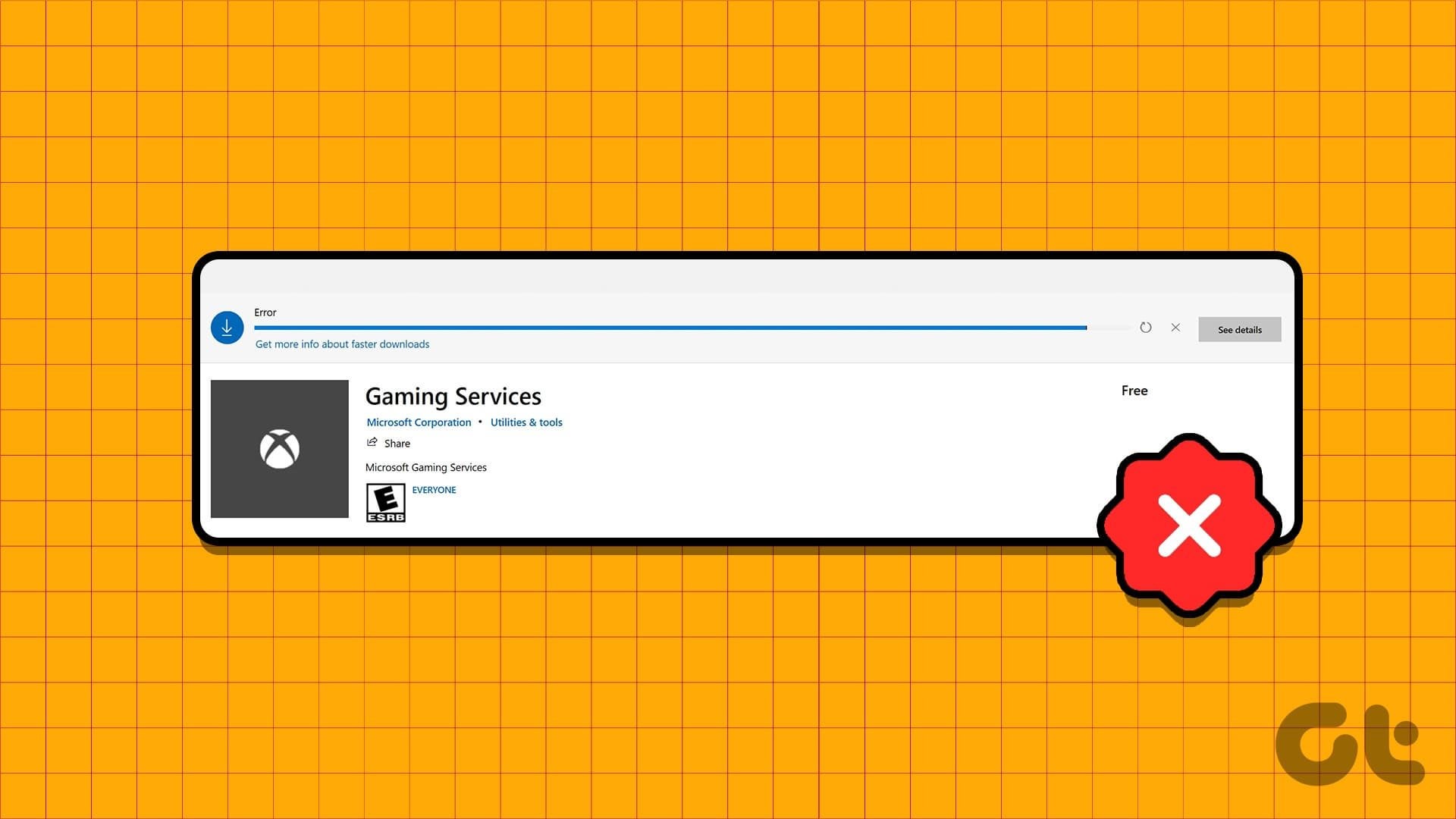
Not sure how many people here will even need this but I wanted to get this out there just in case. So I was at my wits end trying to figure out the error codes for my Xbox App. Sometime a few weeks ago it started giving me an error code (0x80070426) and would not open. I attempted every 'fix' that I found online, including the official Microsoft Gaming Services Repair Tool which also gave a "complete with failure 0x8000ffff" error code. I uninstalled both several times, attempting to repair via windows, removed Gaming Services with PowerShell, EVERYTHING.
FINALLY I came across a page that suggested I might need to delete the registry keys. https://www.guidingtech.com/fix-gaming-services-wont-install-update-on-windows/ about halfway down. After deleting the reg keys, restarting, and running the Gaming Services Repair Tool, I was able to successfully reinstall it without errors and now my Xbox app is working again. Hopefully this helps some people out there
Posted by xKingNothingx