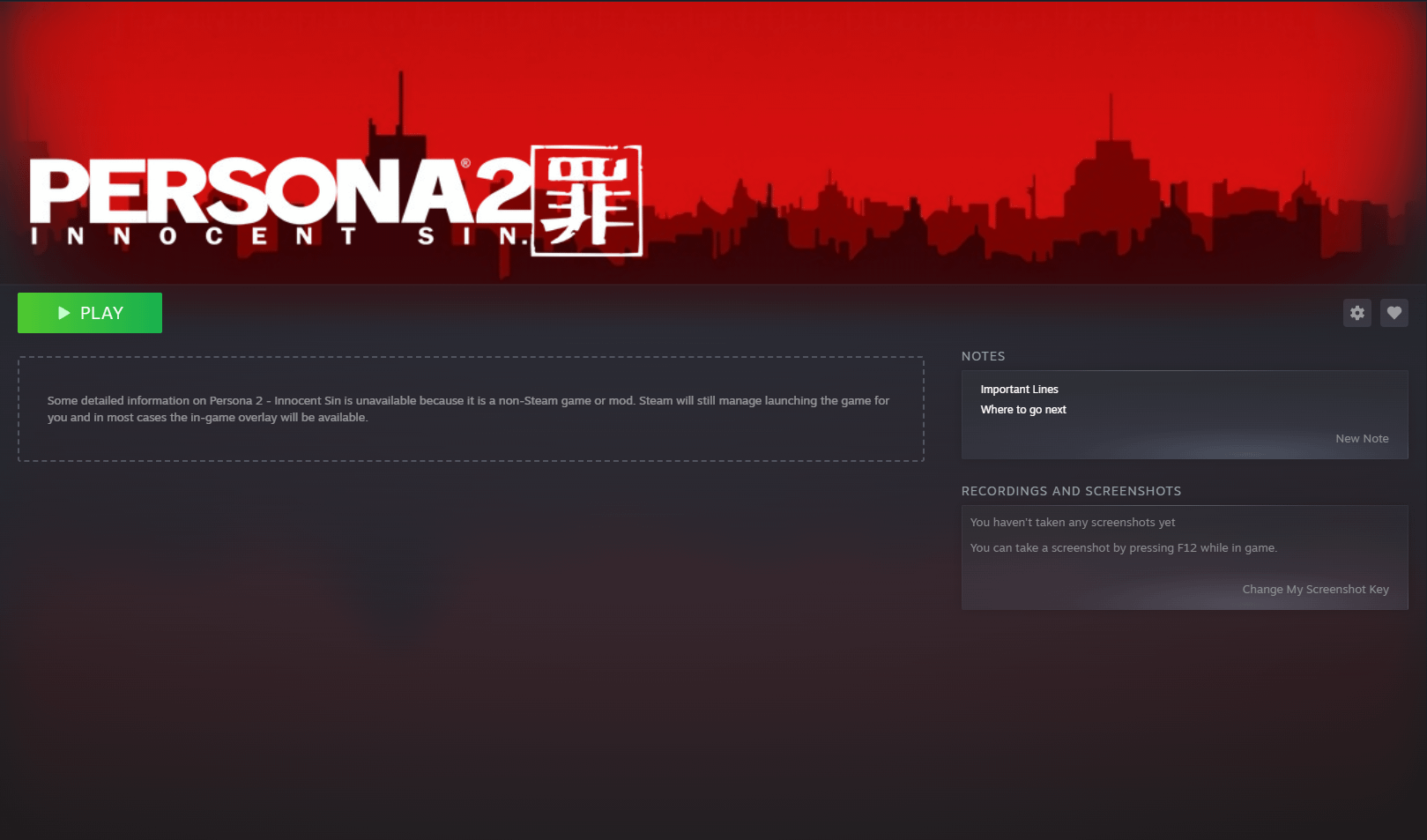
No, since it’s a non-steam game/mod that you added from your computer. You can still take screenshots, but like the community hub doesn’t exist for non-steam games.
fatuglyfool on
thats what i ask myself every morning
requiiemt on
thats what i ask myself every morning
PLOTKS on
I also want to know ^
zillion_grill on
push the green play button, it will fill with stuff from the game
GorudoChan on
Non steam games unfortunately can’t put anything below but you can mitigate this problem by activating Small Mode
Sherool on
It will show your screenshots on the right there if you take any (using the Steam F12 method).
As far as I know you can’t put text in the infromation area. There is a “MetaDeck” plugin for SteamOS that let you edit it as far as I could find, but no good way to do so in the Windows client apparently.

7 Comments
No, since it’s a non-steam game/mod that you added from your computer. You can still take screenshots, but like the community hub doesn’t exist for non-steam games.
thats what i ask myself every morning
thats what i ask myself every morning
I also want to know ^
push the green play button, it will fill with stuff from the game
Non steam games unfortunately can’t put anything below but you can mitigate this problem by activating Small Mode
It will show your screenshots on the right there if you take any (using the Steam F12 method).
As far as I know you can’t put text in the infromation area. There is a “MetaDeck” plugin for SteamOS that let you edit it as far as I could find, but no good way to do so in the Windows client apparently.