
Some context:
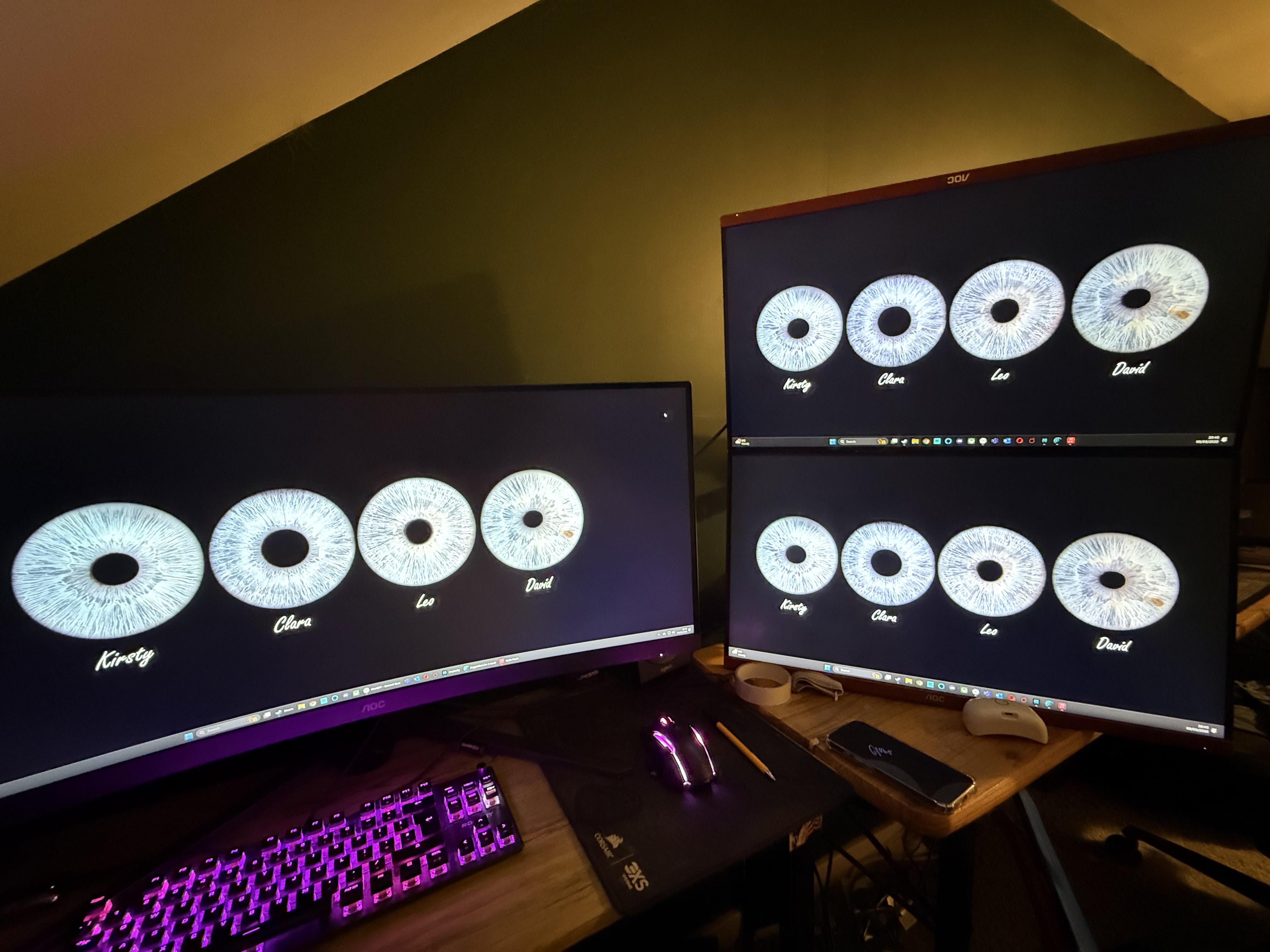
Pic is my current temporary setup. I’m going to be getting 1 or 2 desks soon as a more permanent solution.
The monitors are a curved 34” ultrawide, and 2 27” FHD monitors.
I’ve just acquired for next to nothing an LG 32” flat monitor too.
I work from home part of the week and use a windows laptop.
I have a gaming PC for well…gaming and browsing.
I have a MacBook Pro that I want to use for music production/video editing.
Is there a relatively simple way to make it all a bit easier to do all 3 of these things using the same keyboard/mouse and for work, to utilise 2 of these 4 monitors (the 34” and either the 32” or a portrait 27”) and for music use the 34”?
Gaming pc I would be using all 4.
I’ve looked at KVM switches but seems complicated and want to maintain the refresh rates (144-180).
I’ve tried Google/ai but not getting anywhere.
TIA!
Posted by shadylane79
1 Comment
Are those Iris you family’s?
I have a gaming PC, a Macbook pro and a windows laptop for work. I use a ”ThinkPad Universal Thunderbolt 4 Smart Dock” from Lenovo and connect to either laptop I’m using via USB-C. When I’m gaming, I just switch the video cables to my PC’s GPU. Though I have 1 27in 2k IPS high refresh rate monitor and I use a 32in 4k IPS as a second monitor vertically (the 32 in vertically is basically 2 monitors in one)