
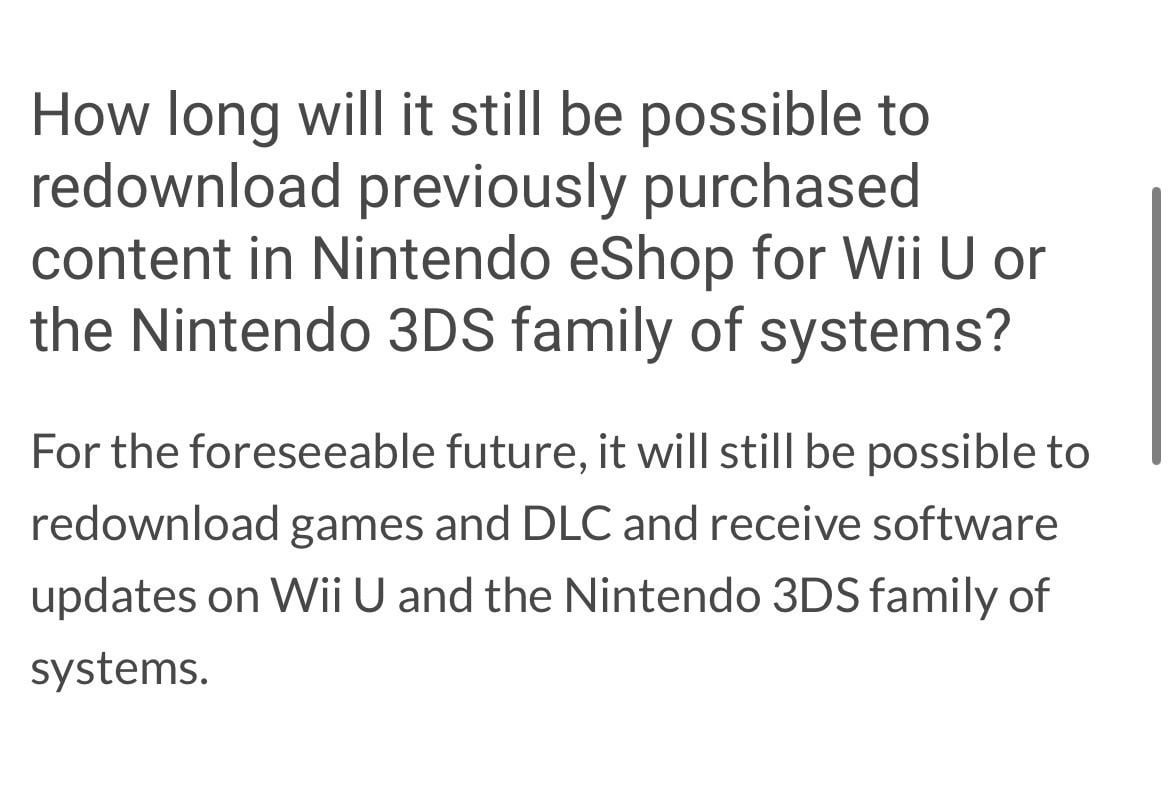
Nintendo’s page on their website regarding the issue hasn’t been any help at all. This screenshot from their website doesn’t tell you how to do it. Is the eShop the only way to redownload games you already have? If so, my Wii U does not work with connecting to the Internet anymore, which I assume has to do with them shutting it all down.
Posted by NFK491
7 Comments
Answering your title: yes, sail the seven seas.
as of now – yes.
Yes the eshop
Launch Nintendo eShop and then go to “My page” witch is your Mii image on the sidebar. Then scroll down until you see “Your downloads” Then you have the option to see either your games (Software titles) or DLC (Add-On content). Enter one of those sections and find the game or software you’re looking for to redownload.
Please keep in mind that some of the text may be labled differently depending of the region your console is from.
Official Nintendo guide: https://en-americas-support.nintendo.com/app/answers/detail/a_id/1632/~/how-to-download-or-redownload-content-in-the-nintendo-eshop-for-wii-u
Should be possible to connect to the Internet, login with your NNID, and enter the shop to download your previously purchased games.
If you can’t connect to the Internet at all it’s a separate issue. All terminated services as of right now say display a message saying the service was terminated, rather than a connection error.
Yarh matey 🚣♀️
If you can’t connect to the Internet, then that’s an issue with your system or your Internet rather than an issue with Nintendo. The eShop is still functional for redownloads.