
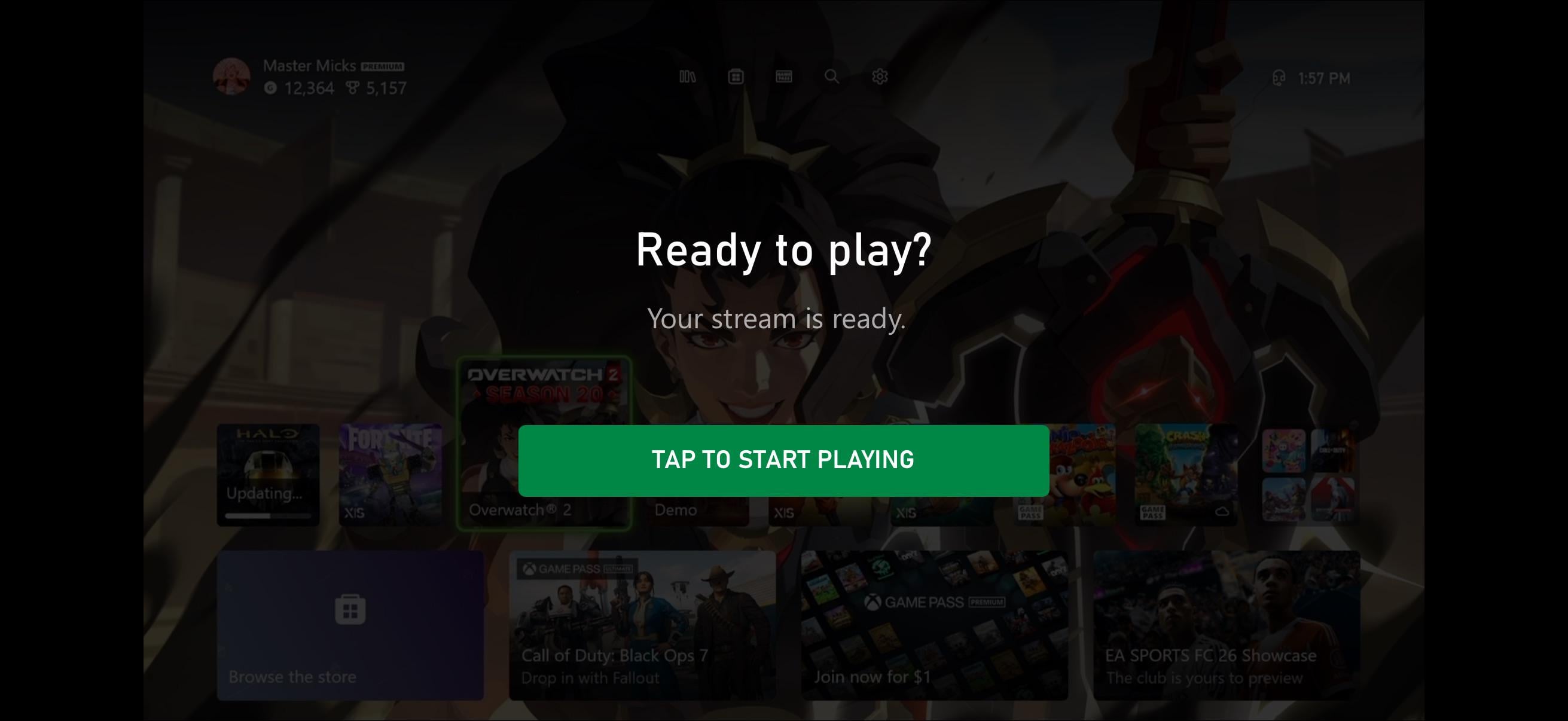
I’m trying to remote play my Series X and every time I go to launch a game (remote play or cloud gaming) I get this pop up in the picture above. No matter how many time I hit “tap to start playing” it won’t go away even though my controller (backbone) is working and I can control things behind the pop up. How do I get around this?
Posted by MasterMickel
4 Comments
Try r/XboxSupport
Betterxcloud doesn’t have this annoying pop up when I remote play from there on my tablet, could be worth a try
It’s something about the sound. If you switch to headphones or sound off, sometimes it will work. Xbox Support sub should be able to help, but this happened to me as well.
I had this issue. You have to remove the Remote Play ‘link’ on iOS and re-visit the remote play site to add it again. That seems to fix the issue.