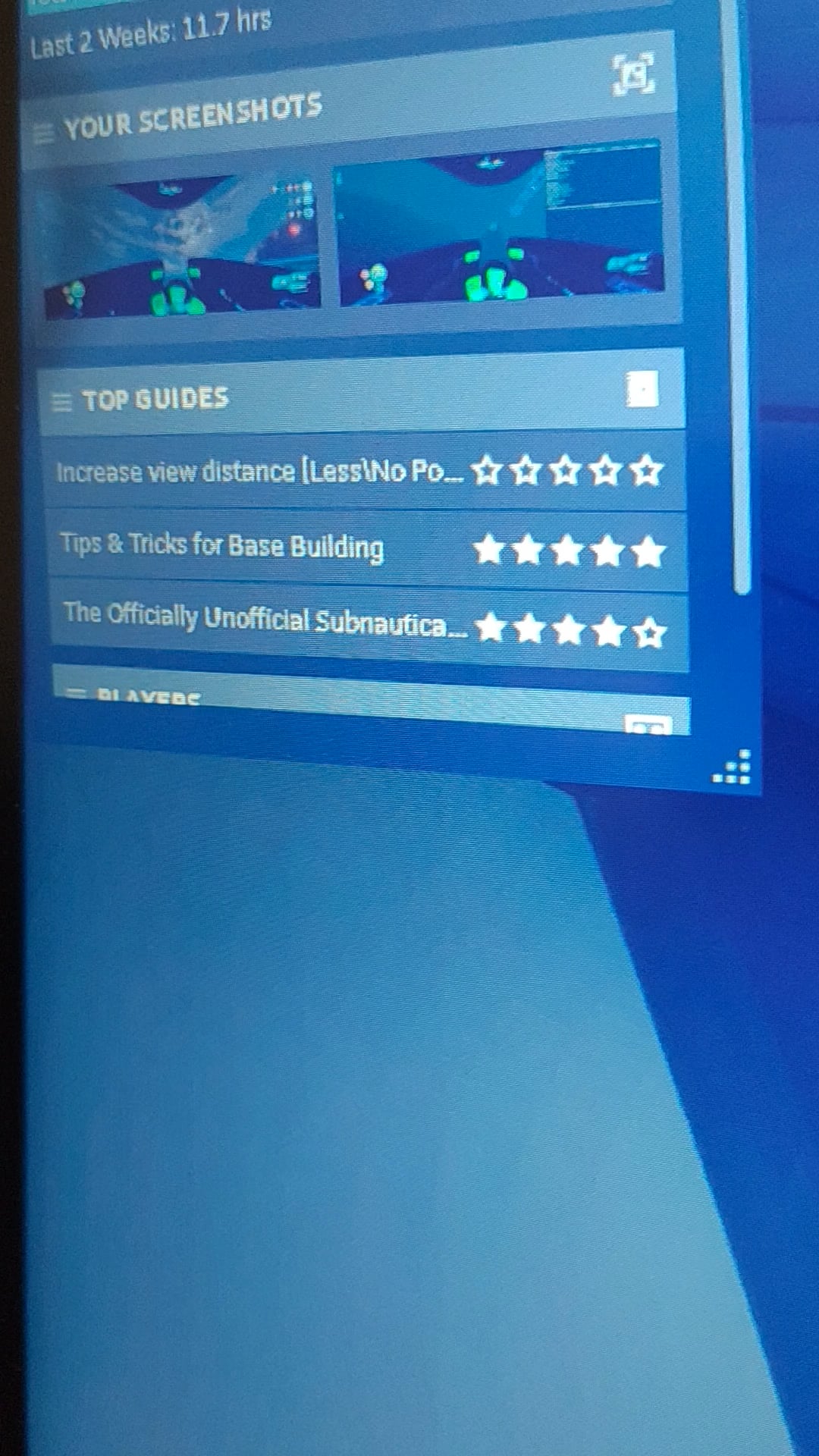
Haven't changed any settings but the UI in game and the overlay are messed up Solved: It was a Nvidia overlay Posted by DetectiveRick141
yuvi3000 on February 16, 2026 9:55 am My guess is it’s your TV/monitor setting which is cutting off the edges of the image. Check if you’ve changed it from “Full” to “16×9” or something. Does it look normal outside Steam?
GarageDry9967 on February 16, 2026 9:57 am Check if game is in full screen and also check monitor settings.

2 Comments
My guess is it’s your TV/monitor setting which is cutting off the edges of the image.
Check if you’ve changed it from “Full” to “16×9” or something.
Does it look normal outside Steam?
Check if game is in full screen and also check monitor settings.