
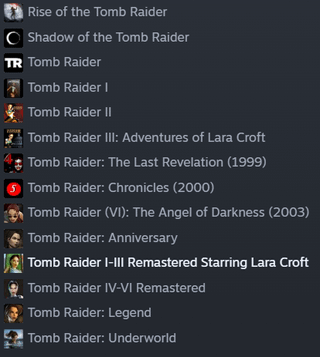
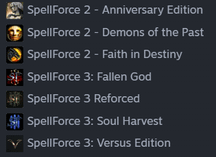
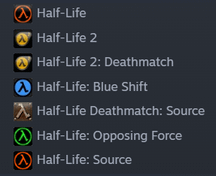
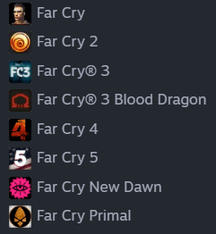
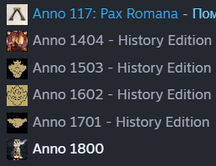
I have almost 600 games in my library, and it's a hell to navigate them. I also often forget which games I have, which I played, and which I wanted to play, etc. Yes, collections help a lot, but it's still a mess when some of them contain 100-300 items.
However, by the feel of it, about a third of the games I own are actually a part of a series. And I feel like being able to collapse them into a single item (something like a folder) would help a lot with organization and navigation.
If there are some ways to mitigate the situation, I'd be glad to hear, but alas, I haven't found one 🙁
EDIT: I want them to appear as one item in other collections too, so just putting them into a separate collection isn't the same.
Posted by ferratadev
6 Comments
select all the tomb raider games, press right click and add to / create a collection for them
You can use collections for that too.
Right click on any game, click Add to and then make a new collection. After this simply add any that you want to that same collection
We do have folders, via collections
we have folders as well as a search bar
If want advice on how to use them, you can separate the games base collection you add, you can add the same games to multiple collections there’s no limit.
Can do it like this, as up to you how want to organize.
– Game series
– Game publishers
– Game type or genre
– Game completed / finished
– Game dropped / not finished
Because you can view each collection to showing what games, and fun fact you can see collection for said game when you’re viewing the game in your library in the top right.
Games will have playtime hours so you know if you had played it before, as well sometimes if you take screenshots, and upload that can also help remind yourself from your own screenshots.
Hope this helps you out. Lastly you can add notes to your games, so if you really need to remember something specifically can add your notes.