
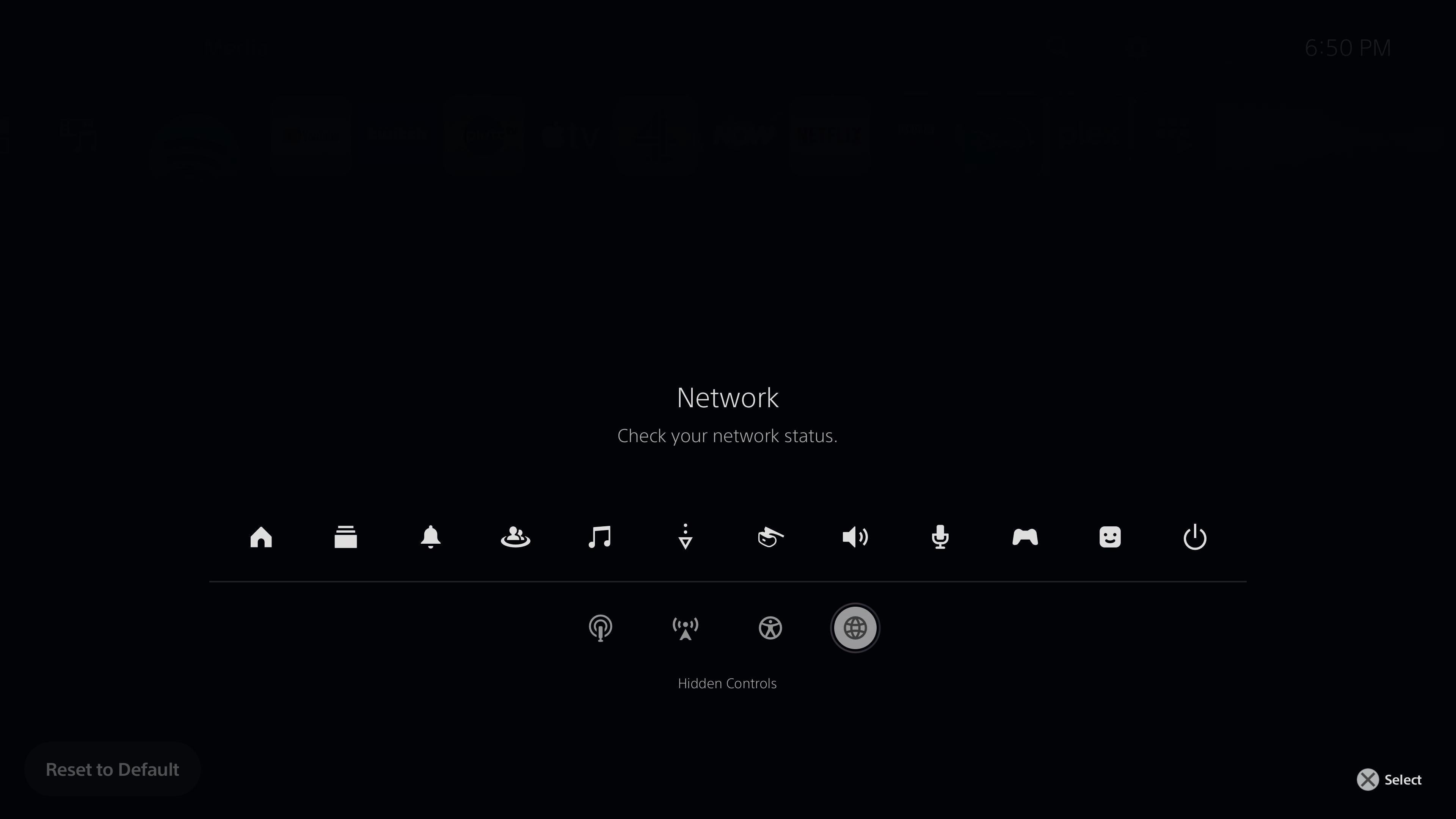
I know this’ll be old news to PlayStation 5 veterans, but I just wanted to make newer users aware that the “Control Centre” (the PS button menu) has hidden controls.
How to access the hidden controls:
While an icon on the “Control Centre” is highlighted, press the Options button on your controller. From there, you can add, remove & relocate the icons displayed on your “Control Centre”, including those hidden controls.
Posted by Wilde_SIE