
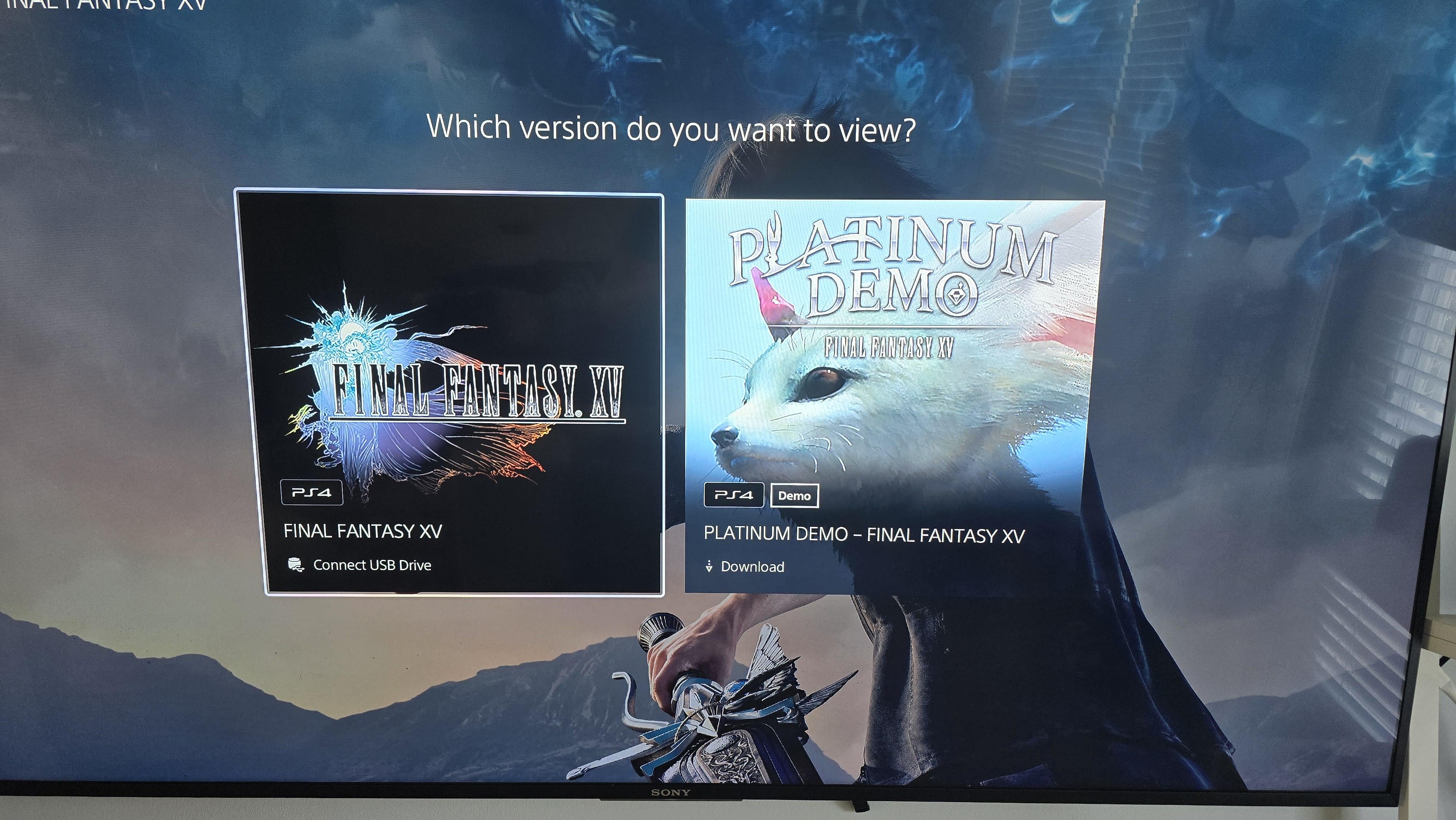
A little while back my portable HDD i used with my PS5 failed after getting knocked over. After I got a new one I noticed the games I had on that old drive were marked with this "connect USB drive" tag and can't be reinstalled. On most of the games, when hovering over them in my library, I can click start and select "remove from home" and then it allows me to download the game again just fine.
On a few of my games, however, the ones with multiple versions (such as a PS4 and PS5 version, or like FFXV here that have a demo) I can't press start to get that "remove from home" option, and so I'm not able to redownload it at all.
Can anybody please tell me some way to fix this? I have about 12 games I've purchased that are now locked and can't be played because of this.
Posted by LabMonkeyCreative
1 Comment
You have to delete the portion of the game data (NOT save data) that’s installed on the console. You can do so via Settings, though I don’t remember what the exact option is called. Look for something like storage or app/game data.