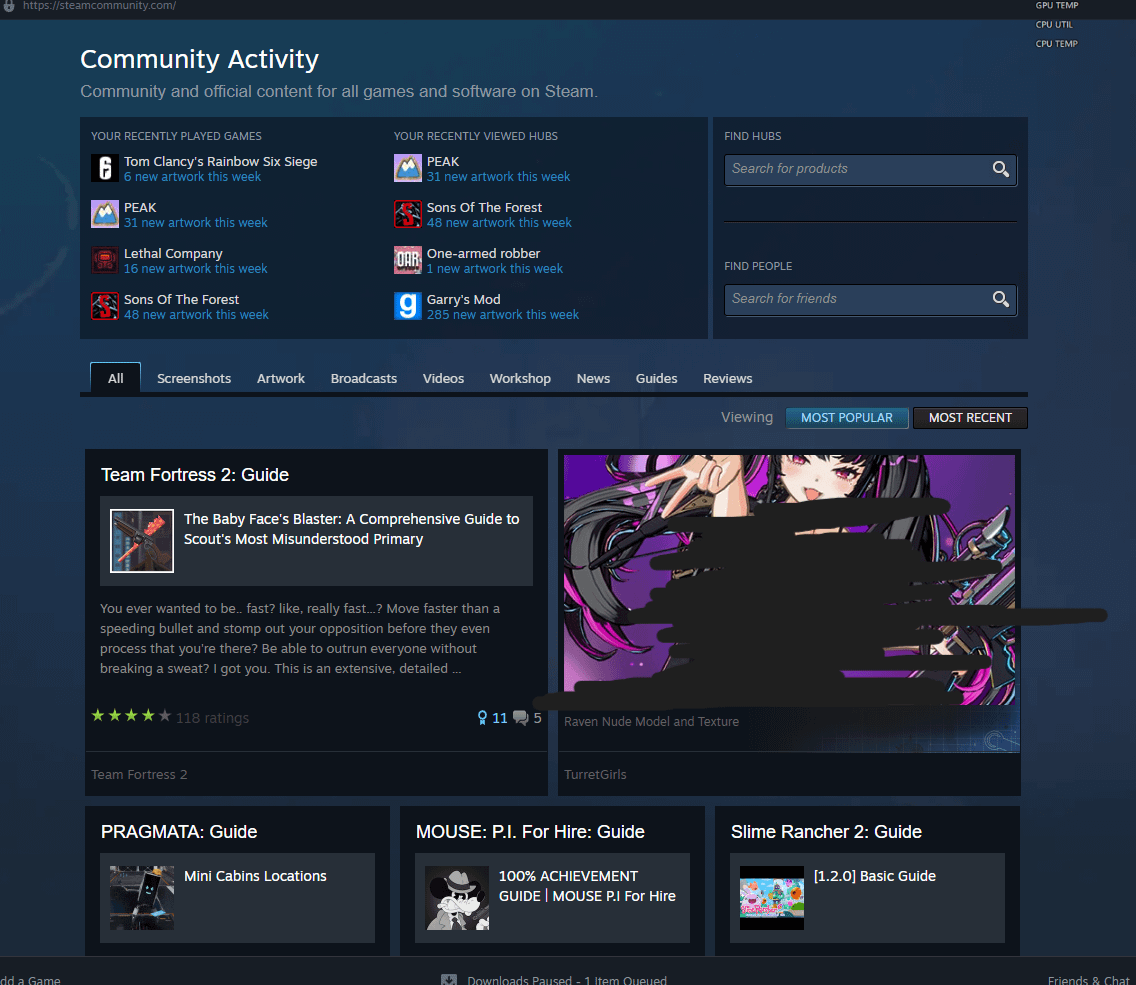
You should check your Steam store preferences directly on the website since the mobile app can be buggy with those settings. Go to account details and find the content preferences section to make sure all the adult checkboxes are actually unchecked. If that doesn’t work, try clearing your browser cookies or the app cache to see if it resets the feed.

1 Comment
You should check your Steam store preferences directly on the website since the mobile app can be buggy with those settings. Go to account details and find the content preferences section to make sure all the adult checkboxes are actually unchecked. If that doesn’t work, try clearing your browser cookies or the app cache to see if it resets the feed.