
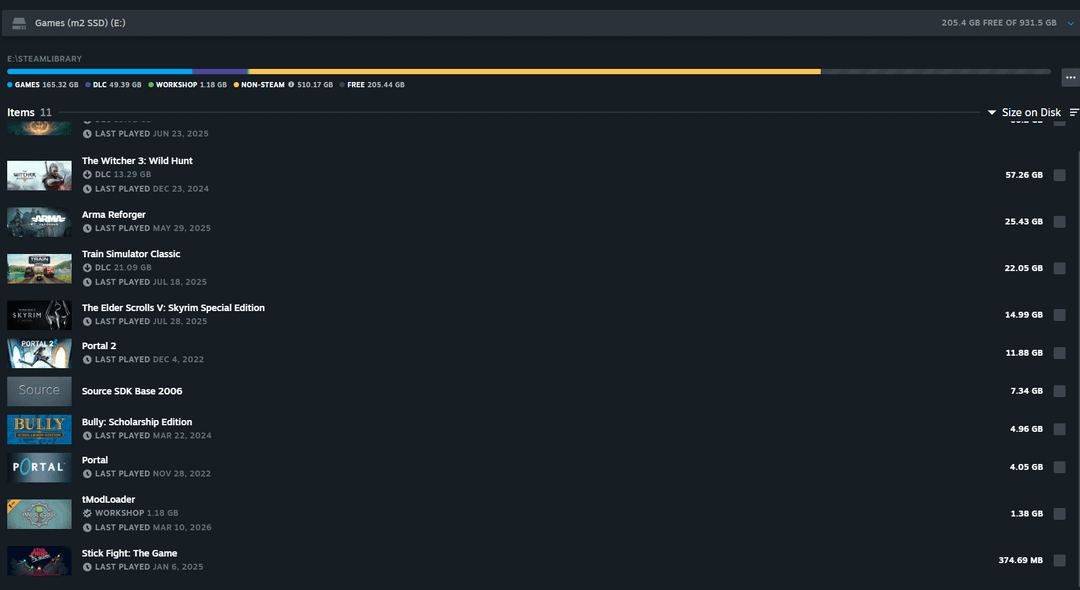
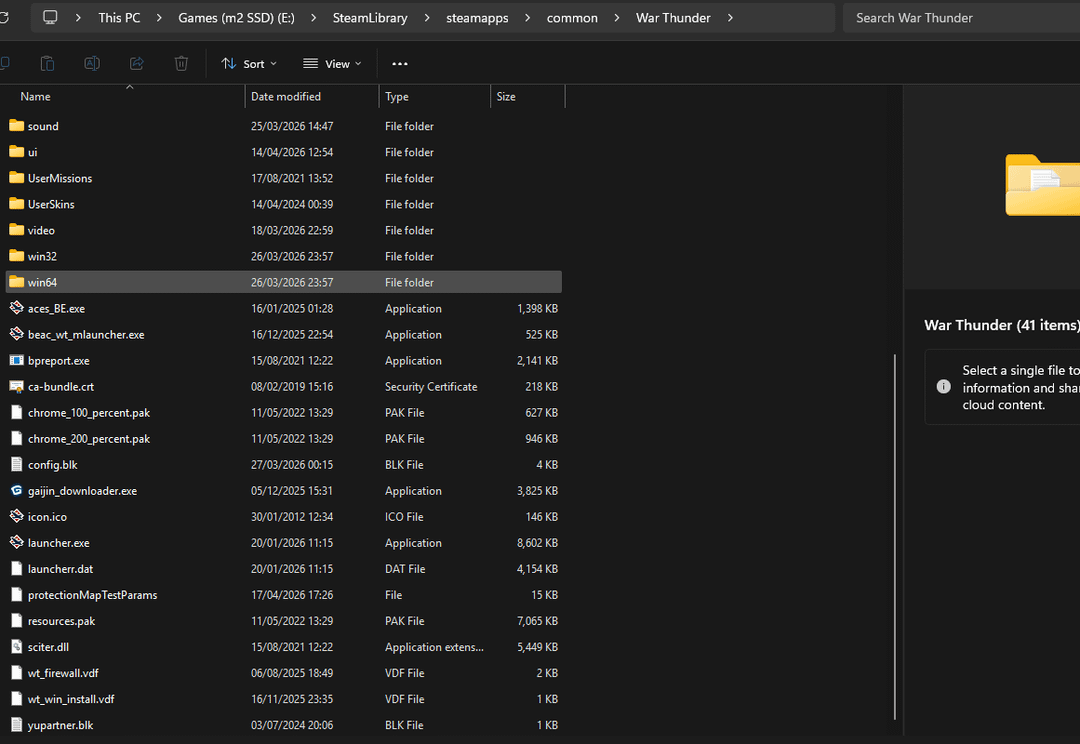
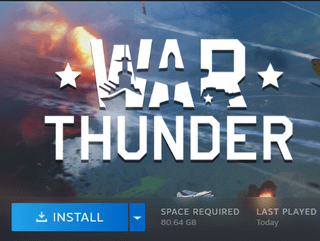
I swapped my main games m.2 drive into my laptop for about 3 weeks. After moving it back to my main pc several games (about 500GB worth) don't show up as being on the drive despite the files being there, e.g. war thunder in the photos.
Posted by meesguy
2 Comments
You didn’t move the games using Steam and moved them incorrectly. Without appmanifest_236390.acf for War Thunder in the steamapps folder, Steam won’t know War Thunder is on the drive.
Appmanifests in the steamapps folder are what tells Steam what games are installed and contained within the common folder.
Press the install button for each game and select the drive where you moved the steamapps folder and its contents, in this case the E: drive. Steam will verify the game files and download the missing files again. The installs will complete much quickly as the game files are already there and steam needs to verify the files only. Make sure an empty file space equivalent to the game file size is available in the E: drive for all the games. For example, if the largest game is 200 GB, your E: drive should have 200 GB or more empty space left for you to be able to do this process for all games on your drive.