
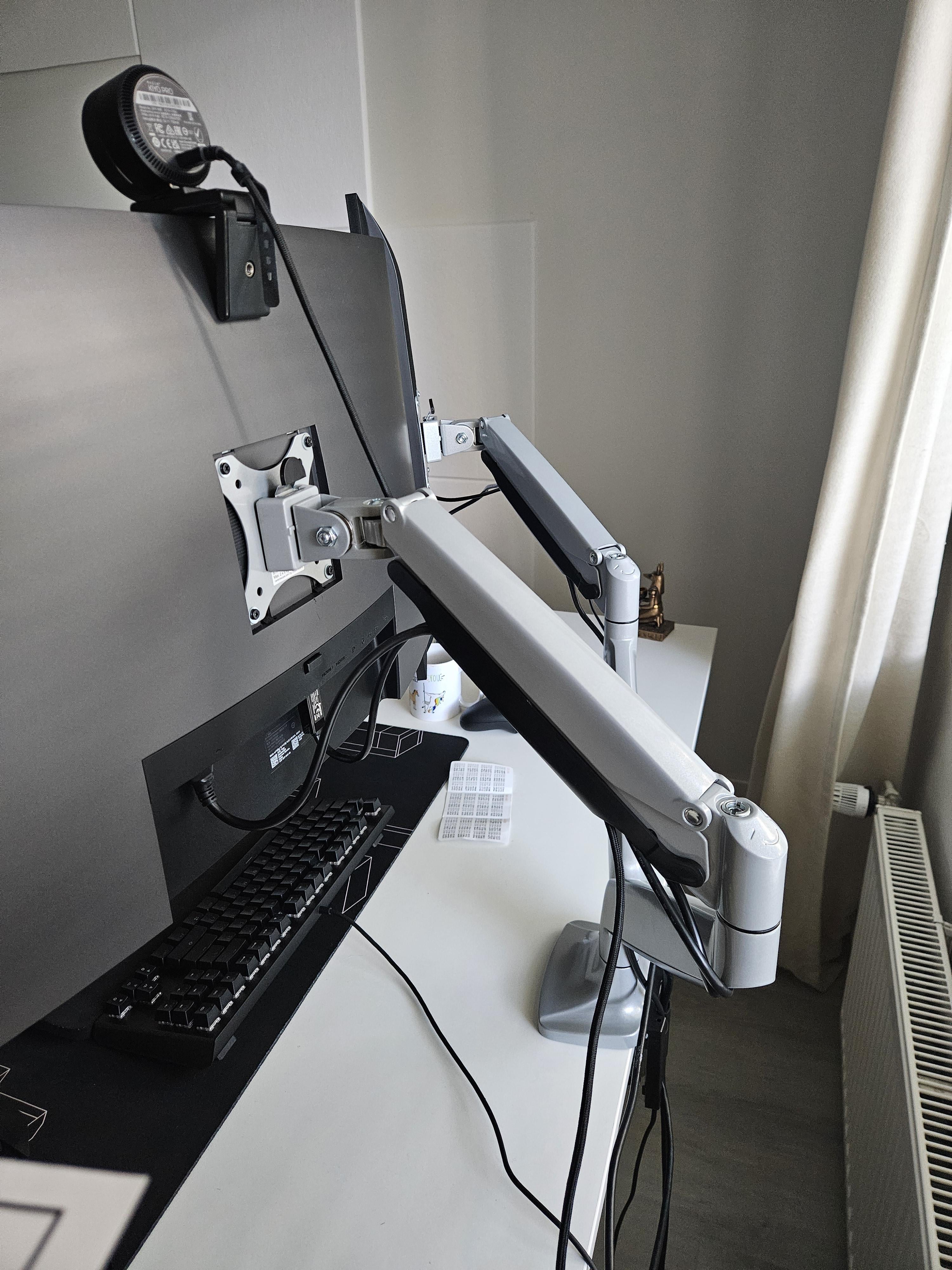
Apologies in advance for my insane ignorance when it comes to cable management, but where do I go from here? Are the arms too long? I can't imagine good design where I feel like I need to wrap the wires to get into the second bay. I know I can hide the other wires showing from my DP cable by just simply buying a slightly longer one and hiding it behind the desk with some hooks or something.
Also how do I hide the wires on the ground? The only electric sockets are on both sides of the walls and not behind me which I feel is a bit difficult. Do move to one of the walls where the socket is by my foot for more slack and mount the plug under my desk?
Posted by hotelshowers
4 Comments
[Low profile Surge protector](https://www.amazon.com/gp/product/B08BJWRZGY/ref=ppx_yo_dt_b_search_asin_title?ie=UTF8&th=1), mount under desk
[Excess cable storage box](https://www.amazon.com/gp/product/B075D7CW3J/ref=ppx_yo_dt_b_search_asin_title?ie=UTF8&th=1) (sleeve to run cables to PC included)
[Desk mounted cable tray](https://www.amazon.com/gp/product/B0C1BDV2V7/ref=ppx_yo_dt_b_search_asin_title?ie=UTF8&psc=1)
[Best value raceway kit I’ve ever found](https://www.amazon.com/gp/product/B07GPFDL1K/ref=ppx_yo_dt_b_search_asin_title?ie=UTF8&psc=1), to run cables along your baseboard
Make sure you apply any available coupons before adding these to your cart
which model is this monitor arm?
better than mine. Good luck.
You could also run that keyboard cable closer to the mount so it would look a little better. I generally try to keep it straight and out of line of sight when sitting.
Whatever makes you content with your setup 🫡
Edit: Also run that webcam cable behind the mount and tie all those cables together in the back of the arm mount.