– Record 3/4 orbits around the subject as a video making sure to hide the UI
– Convert the .webm video file captured in the PS5 into an .mp4 using VLC
– (Optional) Clean up the training footage from redundant or jittery motion and do some colour correction if needed. I did this in Premiere.
For processing you have 2 options.
1- The processing was done locally on DellProMax T2 tower equipped with an NVIDIARTX6000 using PostShot. The processing of a 3-4 min footage took around 1,5 hours.
2- [Vid2scene.com](http://Vid2scene.com) is an cloud solution that turns video into Gaussian Splatting (under 400 Mb video file it is free)
– Export the .ply file and clean it up in SuperSplat
– Hit publish and view it in the browser or a headset.
If this intersection of 3D, XR and AI feels interesting make sure to check out my newsletter here: [https://xraispotlight.substack.com/](https://xraispotlight.substack.com/)
streetxrat94 on
So now anyone can make their own limited edition statues? Nice!
Coffeeey on
That’s pretty cool! I’m sure there’s some kind of AI tool that can further convert it into a 3D printable mesh.

3 Comments
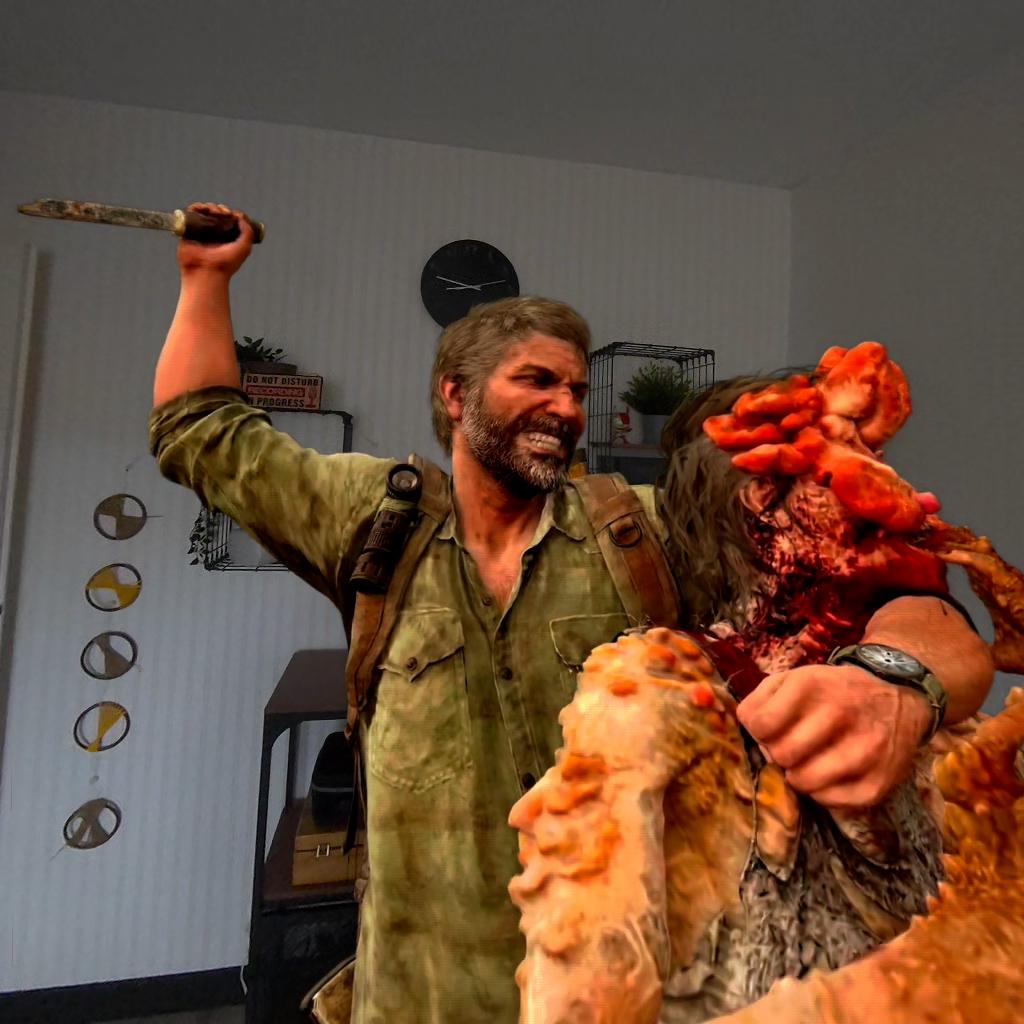
You can check Joel as a Gaussian Splatting here: [https://superspl.at/scene/8b3063a1](https://superspl.at/scene/8b3063a1)
Here is how you can do it yourself:
– Pick a game on PS5 that supports photo mode. Here is a list you can search [https://www.cabbacvirtualphotography.com/thea-zofphotomodegames](https://www.cabbacvirtualphotography.com/thea-zofphotomodegames)
– Find a nice scene and toggle photo mode
– Record 3/4 orbits around the subject as a video making sure to hide the UI
– Convert the .webm video file captured in the PS5 into an .mp4 using VLC
– (Optional) Clean up the training footage from redundant or jittery motion and do some colour correction if needed. I did this in Premiere.
For processing you have 2 options.
1- The processing was done locally on DellProMax T2 tower equipped with an NVIDIARTX6000 using PostShot. The processing of a 3-4 min footage took around 1,5 hours.
2- [Vid2scene.com](http://Vid2scene.com) is an cloud solution that turns video into Gaussian Splatting (under 400 Mb video file it is free)
– Export the .ply file and clean it up in SuperSplat
– Hit publish and view it in the browser or a headset.
If this intersection of 3D, XR and AI feels interesting make sure to check out my newsletter here: [https://xraispotlight.substack.com/](https://xraispotlight.substack.com/)
So now anyone can make their own limited edition statues? Nice!
That’s pretty cool! I’m sure there’s some kind of AI tool that can further convert it into a 3D printable mesh.