
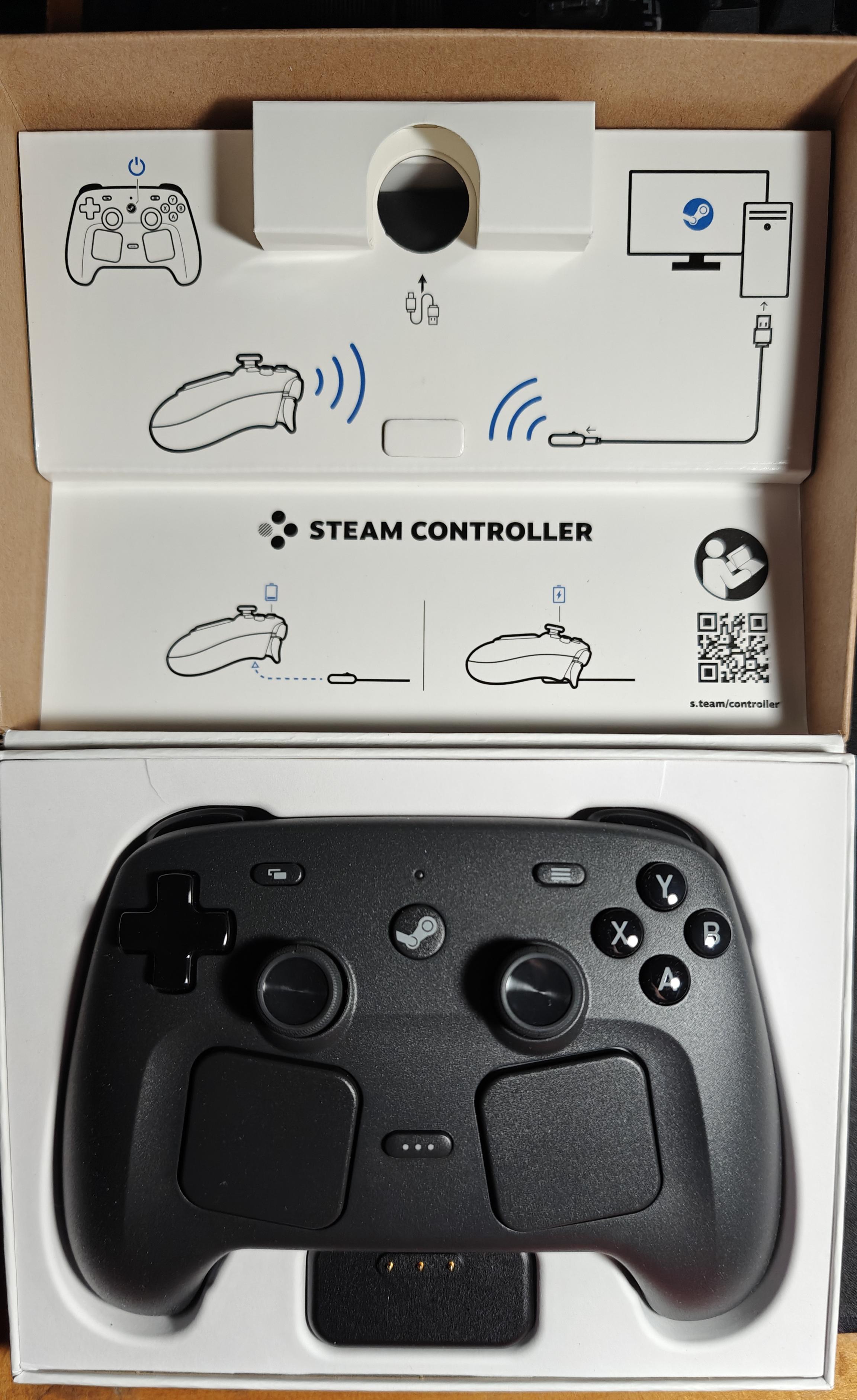
After a weekend (and a bit of Monday) with it, I can say I really like it. So far I only played 3 games with it. Skyrim Special Edition, Cyberpunk 2077, and Escape from Duckov.
Learning how to use and navigate Steam Input took a lot of time. Frankly it could use some improvements on saving and editing one's layouts.
The first game I played was Skyrim. This game can't switch between K&M and controller inputs well, so I keep the inputs to be the basic controller inputs. I just modified the left track pad to be a scroll wheel, so that I can scroll through my favorites smoothly. And I modified the right track pad to navigate through the player menus with a radial wheel.
The second game I played was Cyberpunk 2077. Cyberpunk does a great job of switching between K&M and controller inputs. So well, it seems seamless! I used the left trackpad as a touch menu to quickly navigate to the different menus. And the right trackpad to activate the Quick-Access menu and treat it as if it was a radial menu. I also took the opportunity to use the gyro feature to aim weapons or steer vehicles. Aiming with gyro is awesome! I'm not as accurate with gyro compared to a mouse, but I found it a much better experience than with the analog stick! I did notice that there are times when there is a weird drift when activating the gyro. I don't think it's the controller, because whenever I open the steam overlay, I can see it's fine. Might be a weird thing between the game and Steam. And steering with gyro is cool! I just treat it like a steering wheel when I activate my layer for it.
And the third game is Escape from Duckov. This was the ultimate challenge and test for me since Duckov was not made with controllers in mind. I took a community layout and edited it to fit the way I would like it. Using the left stick (or left trackpad) to move while aiming with the right trackpad felt pretty good. There is this weird thing where the very left edge of the right trackpad is a dead spot, but only when I am moving around and aiming. When I tested the inputs through Steam, it was able to detect that area though. So probably just a weird interaction, just like in Cyberpunk. The game has different keys for the hotbar, and the inventory menu. While making my layout, I discovered the Global Set Options. Using this I was able to make it so that whenever a mouse cursor is on the screen (or off the screen) I can automatically change Action Set Layouts. One for normal in the world gameplay, and another for navigating the inventory or other menus. The trackpads make this awesome, because I can easily use the trackpads to navigate the GUI as if I had a mouse! I also made a touch menu, that I can switch to by holding an Action Set Layer, containing only the keys needed for other stuff. The keys would be for stuff like splitting items, or assigning items to hotbars.
So after a weekend (and some more) with the new Steam Controller, I can easily say I like it. The gyro feature and the extra buttons are awesome. But the biggest thing for me were the trackpads. They make playing K&M games very much possible!
Posted by OwlThatIsNotSoWise
4 Comments
gyro aiming 🔥💀
Thanks for at least decent level of testing before giving feedback (a bit on the low side but much better than all 1 hour “conclusions” seen here. )
I just had two hour with mine, and I mainly continued playing the game I played before (Spiderman remastered ) to get used to the layout and of course some Windows navigation. So far it looks very promising to me. But of course too early to tell.
Thank you for some detailed notes about the controller instead of just a stupid picture and some variation of “it arrived!” like we’re all supposed to be excited!
Lucky for you, I’m still waiting mine.